
Create a Google Business Account and Optimize Your Profile

June 12, 2025 / 3 min read

Topics

Local MarketingCustomer Experience

Create a Google Business Account and Optimize Your Profile

In a hyperlocal digital landscape, being visible at the exact moment a customer is searching for you is crucial. Creating a Google Business account and optimizing your Google My Business profile (now officially called Google Business Profile) are among the most impactful steps you can take to improve your local search performance. This guide walks you through the process, with best practices for standing out on Google Search and Maps.

📍 What Is a Google Business Account?

A Google Business account gives you access to the Google Business Profile Manager, a free tool that lets you manage how your business appears across Google platforms. This includes Google Search, Google Maps, and even voice searches via Google Assistant.

Through your account, you can:

  • Update business hours, photos, and contact info
  • Post updates and promotions
  • Respond to reviewsTrack analytics and insights

Learn how our Local Listings Management service can simplify this process

🎯 Why Your Google My Business Profile Matters

Your Google My Business profile acts as your digital storefront. Your Google My Business profile acts as your digital storefront. Many customers will find you through your Google business pages before ever landing on your website. It’s often the first interaction a customer has with your brand—before they visit your website, walk into your store, or speak to a staff member.

A complete and well-managed profile helps:

  • Improve your ranking in local search results
  • Build credibility and trust
  • Drive traffic to your website or location
  • Convert searches into actions (calls, directions, bookings)
✅ TIP

According to Google, businesses with complete profiles are 2.7x more likely to be considered reputable.

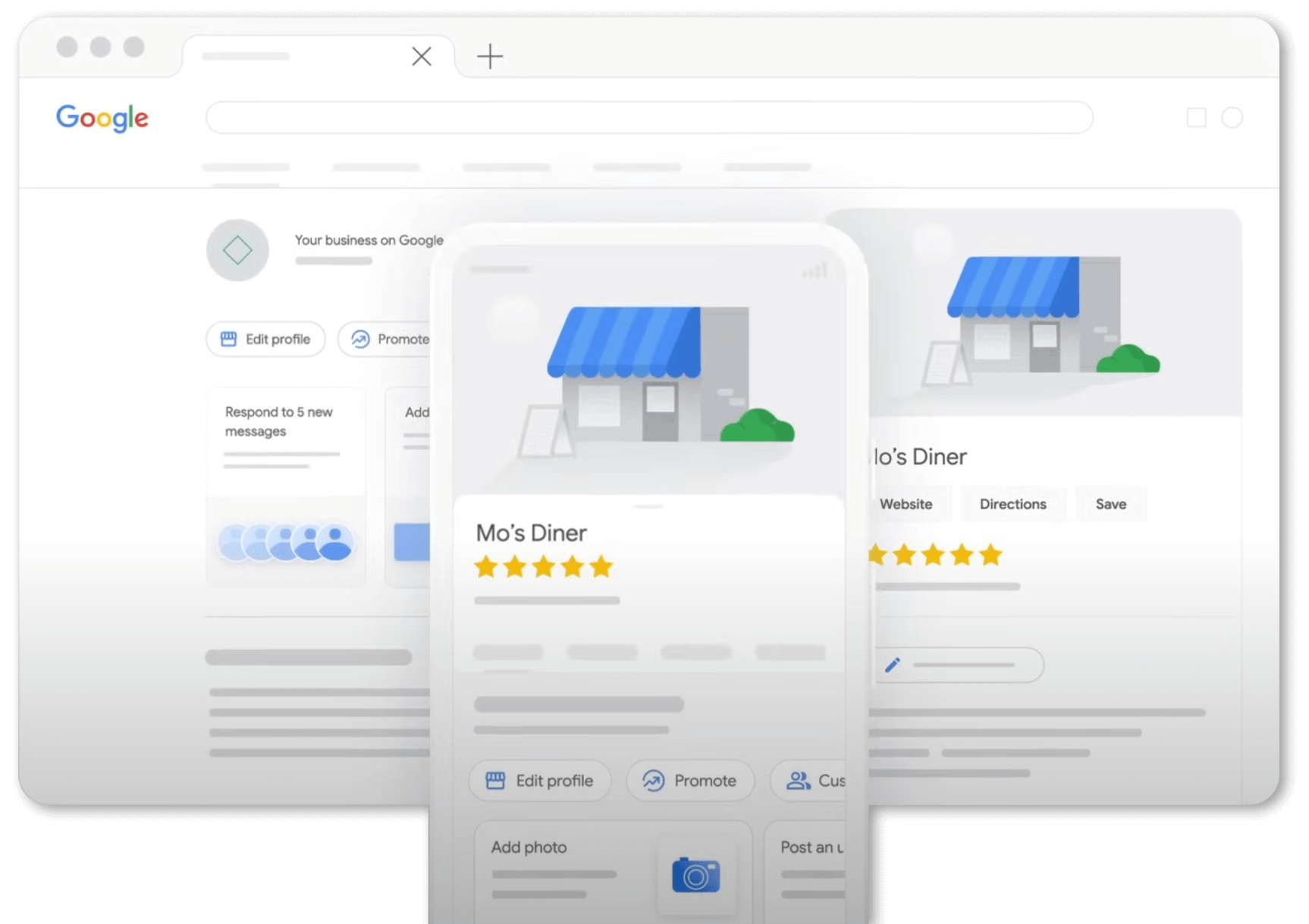
screenshot of the Google Business Profile Manager home page

🔧 Step-by-Step: How to Create a Google Business Account

  1. Sign in to Google
    Visit https://www.google.com/business/ and sign in using your Google account. If you don’t already have one, you’ll need to create it.
  2. Add Your Business Name and Category
    Use your real-world business name and choose a relevant category (e.g., restaurant, clinic, retail store).
  3. Add a Location or Service Area
    Enter your physical address if you have one. If you operate without a storefront, specify a service area instead.
  4. Input Your Contact Details
    Provide your business phone number and website URL (if applicable). Consistency is key—these details should match across all platforms.
  5. Verify Your Business
    Google will prompt you to verify ownership, often by mailing a postcard to your business address. Verification is required for your profile to appear publicly.

🚀 How to Optimize Your Google My Business Profile

Once verified, optimization helps your business stand out and rank higher. Here’s how:

  1. Add High-Quality Photos
    Include exterior, interior, team, and product shots. Google reports businesses with photos get 42% more requests for directions and 35% more website clicks.
  2. Update Business Hours Regularly
    Especially during holidays, emergencies, or seasonal changes.
  3. Respond to Reviews Professionally
    Thank positive reviewers and address concerns calmly. Engagement shows customers—and Google—that you’re active and reliable.
  4. Use Posts to Share Promotions and News
    Like social media, you can publish short updates, events, or offers that appear directly in your profile.
  5. Leverage Insights
    Review the analytics provided by Google to understand how users find and interact with your business.

Monitor all your local marketing efforts in one place with Lanla’s Hexia.local dashboard

🧭 Pro Tip for Multi-location Businesses

If you manage multiple locations or franchises, keeping listings accurate and consistent across each profile can be time-consuming. Lanla’s Store Locator solution helps centralize and automate local content management—saving time and protecting your local SEO.

💬 Final Thoughts

Creating a Google Business account and optimizing your Google My Business profile is one of the most effective ways to boost your visibility and credibility—without spending a dollar on ads.

Whether you’re a small business owner or part of a multi-location brand, maintaining accurate, engaging, and up-to-date information is key to winning local searches and customer trust.


Latest news

plateforme de gestion de l'expérience client
Hexia: A CX Platform Built for Operational Reality
The first time I truly understood the value of Hexia, it wasn’t from reading a product…
More
Trois canaux, trois moments
Three Channels, Three Moments
A Continuum of Prevention, Intervention, and Public Amplification These three tools don’t measure the same thing.…
More
Les erreurs visibles vs invisibles
Why Silent Customers Cost More Than Those Who Complain
And how to hear those who don’t speak up, before they are already gone. The leader of a restaurant chain…
More
Angles Morts CX
92% Compliance, NPS 68, Google 3.6 Stars. Which One Should You Believe?
Why your customer experience data seems to contradict itself, and what that is actually costing you…
More
Moins de 30% de vos clients répondent à vos sondages de satisfaction.
Your Surveys Are Not Enough. And it’s not a questionnaire problem.
How to Measure What 70 to 90 Per Cent of Your Customers Will Never Tell You Directly. Picture…
More
Marketing local : les leviers pour être visible près de vous
Local Marketing: Actionable Levers to Win “Near Me” Searches
To appear at the right moment, businesses need more than visibility. They need structured local signals…
More
Google met fin à la section Questions-Réponses
Google Q&A by API Is Retiring
Here’s How Businesses Can Stay Visible in AI Search For years, Google Q&A helped customers get…
More
google update 2025
Google update 2024 2025
Google Local SEO Update: 2024 Proximity and Experience Boost What changed? In mid-2024, Google rolled out…
More
Why Review Sites Matter More Than Ever for Your Business
Today’s customers rarely walk into a store or book a service without checking a few review…
More
Boost Your Visibility: Local Citations, Search Local & Organic SEO
In the competitive landscape of local search, mastering local citations, local search optimization, and organic SEO…
More
How to Optimize Your Google My Business Profile
Create a Google Business Account and Optimize Your Profile
In a hyperlocal digital landscape, being visible at the exact moment a customer is searching for…
More
Who Is the Target Audience?
Who Is the Target Audience? Why This Question Is Key to Your Success
Understanding who is the target audience for your business isn’t just marketing jargon; it’s the fundamental…
More
Social Listening
Master Your Brand’s Narrative with our Social Listening Solutions
In today’s dynamic digital landscape, truly understanding your audience requires more than just a presence –…
More
CRM
Strengthen Customer Relationships with Lanla’s CRM-Inspired Solutions
Effective customer relationship management (CRM) goes beyond just managing contacts — it’s about truly understanding and…
More
Mystery Shpopping and Conformity
Mystery Shopping: The Key to Consistent Brand Experience
For restaurant chains, hotel groups, senior living networks, bus & taxi fleets, retail businesses, and more,…
More
What Is Omnichannel — And Why It Matters for Your Brand’s Reputation
What Is Omnichannel…
…And Why It Matters for Your Brand’s Reputation What is omnichannel? It’s a strategy that connects…
More